
We provide a one year warranty that all of our products will be free from defects in materials and manufacturing, under normal use and proper handling. Review our full warranty details here.
SnapPower Support
Breathe easy with our helpful list of frequently asked questions
and support resources and media
- General FAQ's
- Product Type
General Questions
Do your products come with a Warranty?
What about returns, exchanges and/or refunds?
To start a return or exchange, or begin troubleshooting, click here.
Returns/Exchanges: To be eligible for a Return/Exchange, your item(s) must be in the same condition that you received it and must be in the original packaging and include all components.
Refunds (if applicable): You have 30 calendar days to return an item(s) from the date you received it for a refund. Once we receive your item(s), we will inspect it and notify you that we have received your returned item(s). We will immediately notify you on the status of your refund after inspecting the item(s). If your return is approved, we will initiate a refund to your credit card (or original method of payment). If you receive a refund, the cost of shipping will be deducted from your refund. Restocking fees may apply. You will receive the credit within 7-14 business days, depending on your card issuer's policies. We stand behind our products and always do our best to take care of our customers. If your order exceeds the 30 days, you may be eligible for an exchange.
Shipping: You will be responsible for paying for your own shipping costs for returning your item(s) unless you purchased our Unlimited Returns coverage. Original shipping costs are non-refundable.
To start a return or exchange, or begin troubleshooting, click here.
How much does shipping cost?
In addition to carrier-calculated rates, we currently offer a flat rate economy shipping option on most orders within the continental US. The rate ranges from $3.99 to $13.99 depending on the weight of the package. While we try to make it available to everyone, the carriers have size, weight, and location limitations that exclude certain shipments. If your order and shipping details qualify for a flat rate economy shipping service, you will see that as one of the shipping method options at checkout.
How long will my order take to arrive?
All orders take about 1-2 business days to process, and then an additional 2-6 business days for shipping within the US, or 6-12 business days for shipping to Canada. Delivery times are only estimates and may vary as we offer several shipping options through multiple carriers.
Which countries do you ship to?
We currently ship to the U.S., Canada, and Mexico.
Will I pay duty fees if I am international?
Customs and duties are fees applied to imported goods or products into your country. Unfortunately, we have no control over these charges and cannot predict if they will be charged or not. Likewise, if they are charged we have no control over the amount that is collected. There are some cases when duties fees are not collected at all.When ordering from SnapPower, you are responsible for these fees as well as assuring that you can lawfully import them into your country.
Are batteries required?
Absolutely not. Our products draw power directly from the outlet.
What if my outlets are horizontal?
Good news, SnapPower has launched a Horizontal GuideLight with the LEDs located on the long side of the cover plate. Also, our other outlet products can be installed horizontally and work just fine as well if you want directional light from the side; just make sure to install where the bottom of our plate lines up with the ground side of the outlet. We have many customers who have done this and love it!
Are your products available in stores?
Yes! SnapPower products can be found at select locations of Ace Hardware, Do It Best, Orgill, Best Buy, and Lumalex, and will soon launch on Build.com and Lowes.com as well. This list will continue to grow as we add new distribution partners.
Can I resell SnapPower’s products online or in retail locations?
SnapPower does not allow any third parties to resell our products online or in retail without written authorization. This would be a violation of our terms of service. If you have a brick & mortar store and are interested in partnering with us, please submit a request for our Partner Program here.
What color temperature are the LEDs in our lighting products?
The LED lights in our lighting products are a neutral white temperature. Approximately 4,000 Kelvins.
Which electrical receptacles are SnapPower products compatible with?
SnapPower products are for 120V outlets and light switches only. They are NOT for use with:Non-standard outlets/switches controlled by a switch outlets with split circuits (outlets the breakout tab removed).
Are SnapPower products ETL listed?
Yes! The SnapPower products are designed to the highest standards of safety, and are ETL listed in the US and Canada.
- OUTLETS
- SWITCHES
- LOCK PRODUCTS
- SMART HOME
OUTLETS
- Instruction Manuals
- Video Install
- Frequently Asked Questions
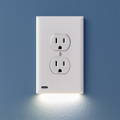
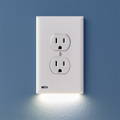
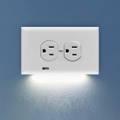
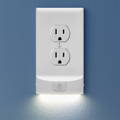
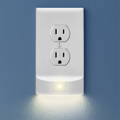
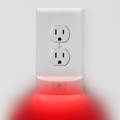
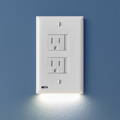
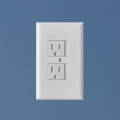
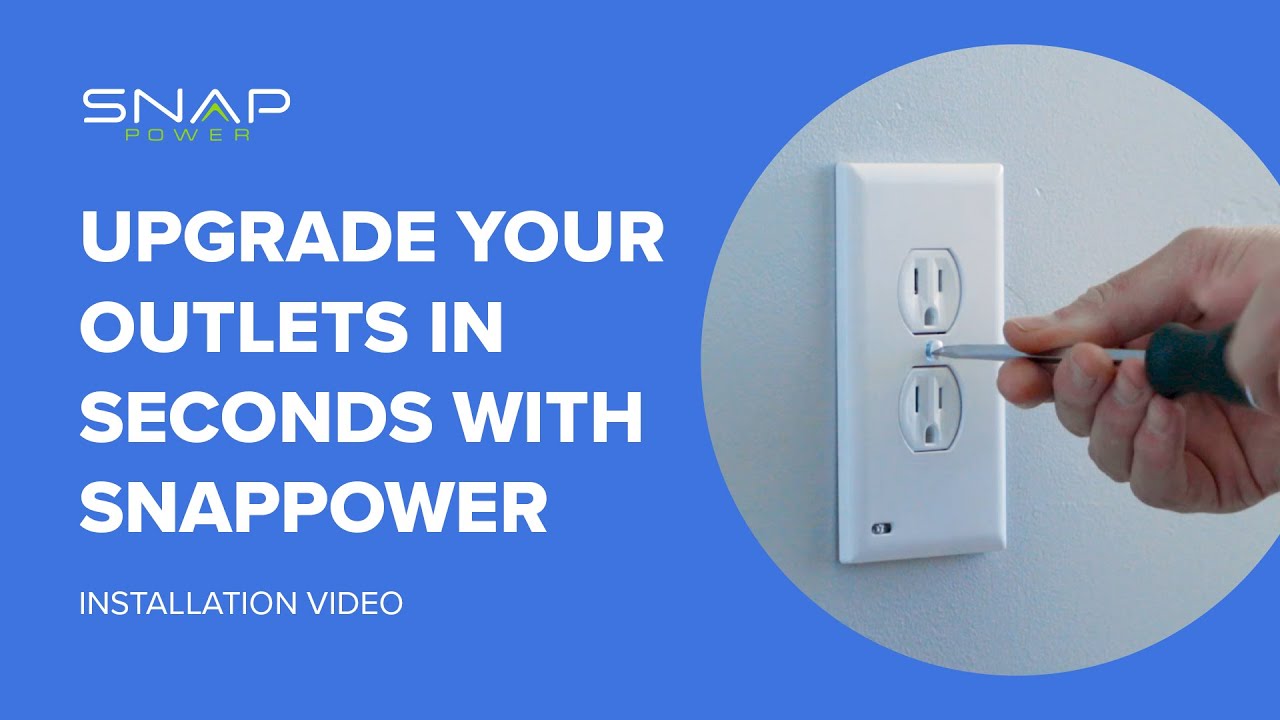
Do GuideLights work with GFCI outlets?
Yes, our GuideLight 2 Plus is compatible with GFCI outlets. Make sure you choose the GFCI "style" at checkout for our outlets with the Test and Reset buttons!
How long will the LEDs in the GuideLight last?
The GuideLight will last for up to 25 years before the LEDs begin to dim.
How much does it cost to operate a GuideLight?
The GuideLight costs around 10 cents a year to power (depending on your local cost of power).
How does the GuideLight turn on and off?
The GuideLights include a light sensor that turn the LEDs On/Off automatically. They should be at full brightness when the room is completely dark and slowly dim as the room gets lighter.
Our GuideLight 2 PLUS version also includes a switch that allows you to adjust the brightness between Bright, Dim and Off settings.
Is the GuideLight ETL listed?
Yes! The GuideLight has been designed to the highest standards of safety, and is ETL listed in the US and Canada.
SWITCHLIGHTS
- Instruction Manuals
- Video Install
- Frequently Asked Questions
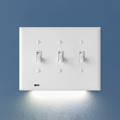
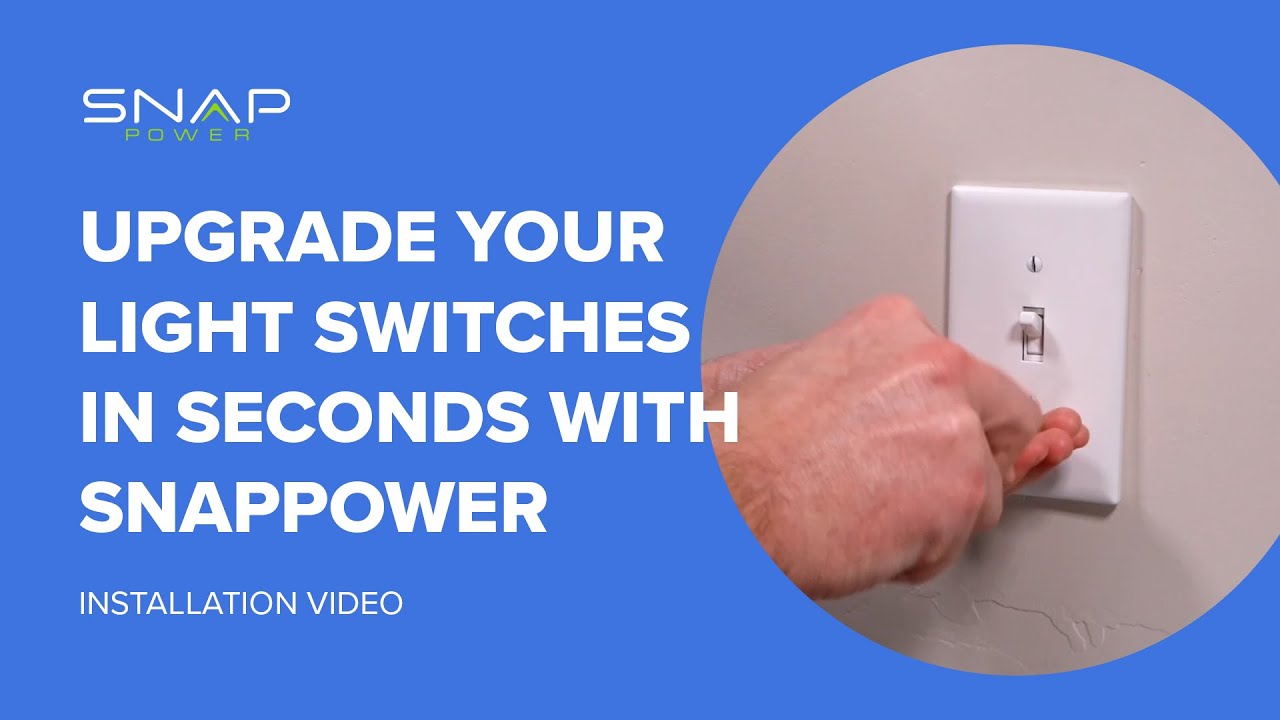
Which light switches are the SwitchLights compatible with?
There are likely 2 types of light switches in your home, and we have a SwitchLight for both!
1. Single gang, single pole switches. This means that the SwitchLight installs over a single light switch, and that the SwitchLight will work in areas where one light switch controls the overhead lights. These are typically found in bathrooms and small rooms, where one switch controls the overhead lights. Our SwitchLight is perfect for those.
2. 3-way switches. These are the areas where 2 or more switches control one set of overhead lights. These are typically found in hallways and larger bedrooms & bathrooms. Our SwitchLight for 3-way switches is perfect for those.
Please note that areas with two light switches controlling the same overhead lights (like a hallway) sometimes have the light switches installed upside down (with the screw terminals on the left hand side of the light switch instead of the right hand side). If this is the case, the light switch will need to be turned around so that the screw terminals are on the right hand side of the switch before the SwitchLight is installed.
Will the SwitchLight work in a location where the overhead lights are controlled by two or more different switches?
Yes! We now how The SwitchLight for 3-way Switches. This product is compatible in areas where 2 or more switches control the over head lights.
Will the SwitchLight work on a dimmer switch, motion sensing light switch or a smart light switch?
No, the SwitchLight only works with standard toggle and decor light switches. The SwitchLight will not work on dimmers, motion sensing, or smart light switches because they do not have the required screw terminals for the SwitchLight to draw power from.
Is the SwitchLight ETL listed?
Yes! The SwitchLight has been designed to the highest standards of safety, and is ETL listed in the US and Canada.
How much energy does the SwitchLight use?
The SnapPower SwitchLight is designed to be energy efficient, and uses less than 10 cents of energy for the entire year.
Will the SwitchLight work upside-down (with lights pointed up)?
The SwitchLight is designed to pull power from the screws on the right hand side of the light switch, which means the SwitchLight will install with the lights pointing down. If you want the SwitchLight to install with the lights pointing up, you will need to turn off the power and turn your light switch around so that the screws are on the left hand side of the light switch.
Does the SwitchLight work on dimmer switches.
No. The SwitchLight works on standard Toggle or Rocker light switches.
Coming Soon
SMART HOME
- Instruction Manuals
- Video Install
- Frequently Asked Questions

Learning about your LumiDock
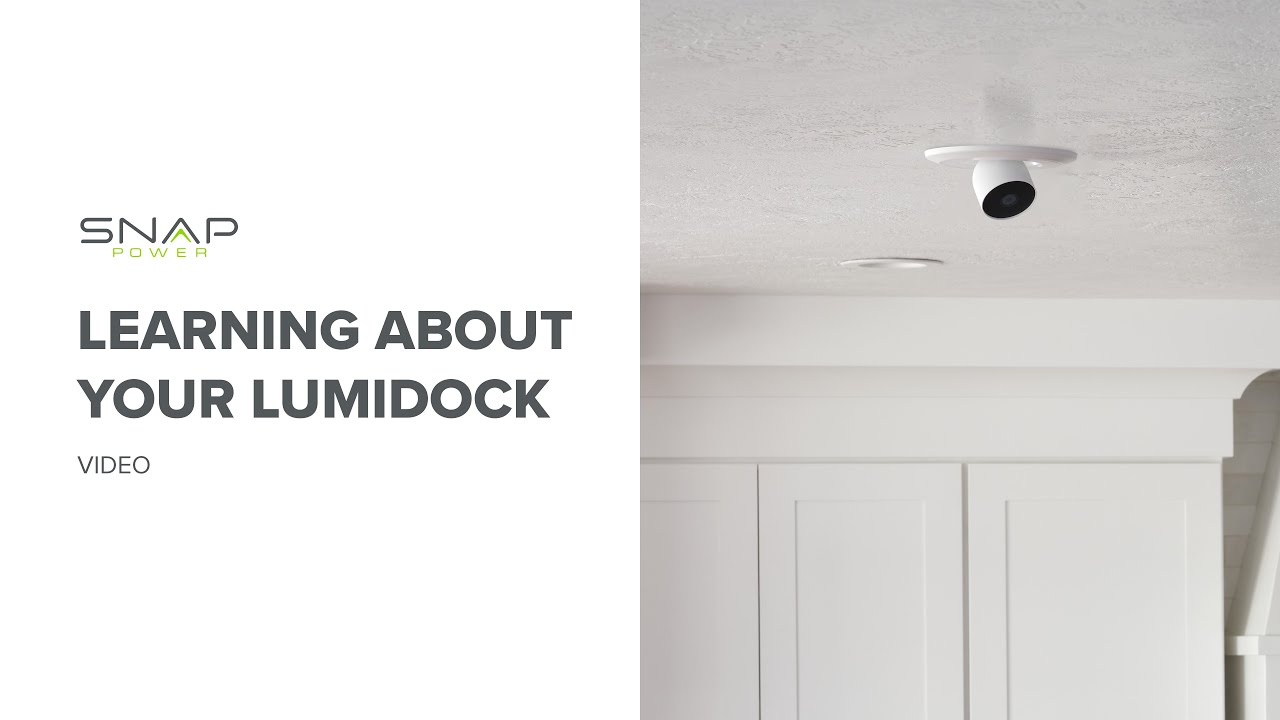
Installing your LumiDock

Installing your Speaker
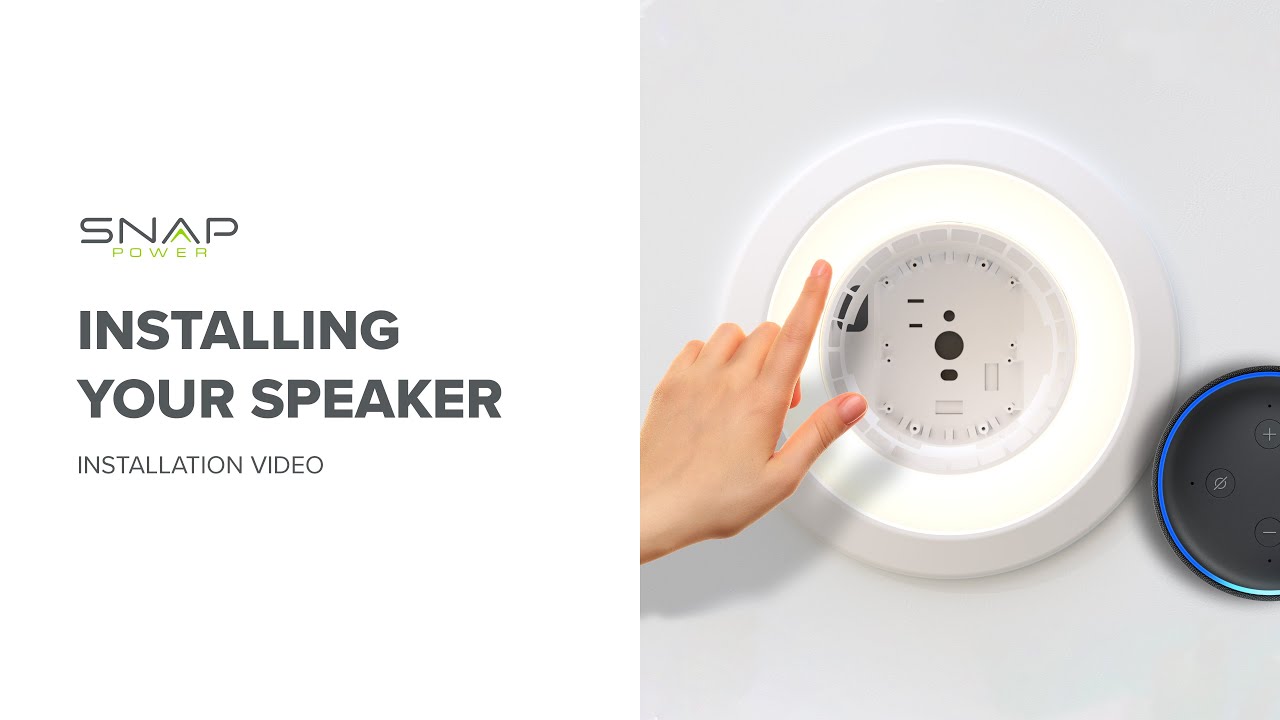
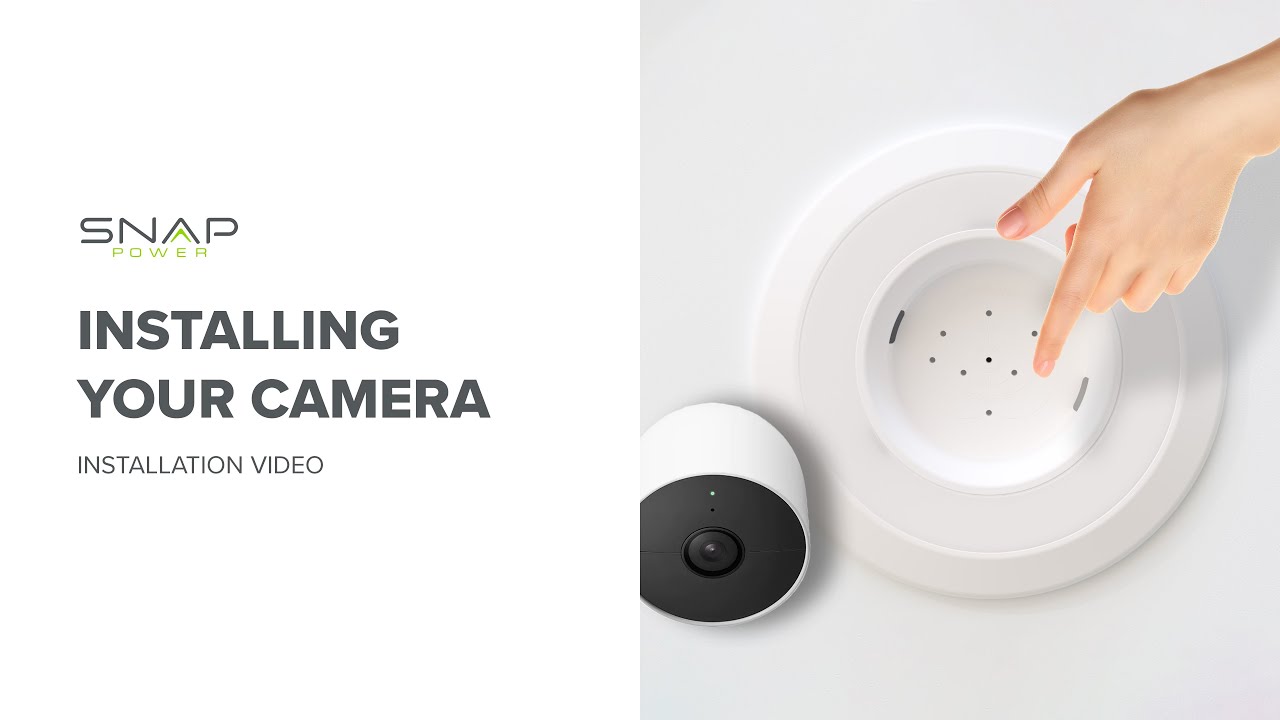
Installing your Camera
Do our products come with a Warranty?
We provide a one year warranty that all of our products will be free from defects in materials and manufacturing, under normal use and proper handling. Please contact support@snappower.com if you have questions regarding this warranty.
Which devices are compatible with the LumiDock?
We have tried to make our LumiDock device mounts as universal as possible to accommodate a variety of devices. This is not an exhaustive list, but here are the known compatible devices that we have tested and confirmed:
Large Speaker Mount:
• Amazon Echo Dot Gen 4
• Amazon Echo Dot Gen 5
Small Speaker Mount:
• Amazon Echo Dot Gen 3
• Google Nest
• Google Home Mini
Smart Camera Mount:
• Blink Outdoor
• Blink Mini
• Blink Indoor
• Ring Battery Cam
• Ring Stick Up Cam Battery
• Ring Stick Up Cam Plugin
• Google Nest Cam
• D-Link Camera
• Eufy Indoor Cam 2k
• Eufy Indoor Cam 2k Pan & Tilt
• Wyze Cam V2 1080p HD WiFi Indoor Camera
• Wyze Cam Outdoor v2
• Wyze Cam Indoor and Outdoor v3
• Wyze Cam Pan, Color Night Vision
• Also: Wyze Cam Pan v2, Wyze Cam Pan v3 and other 1/4-20 single screw mounted cameras are compatible only with the purchase of an additional adaptor, such as https://www.amazon.com/dp/B01BPU0VCK or https://www.amazon.com/dp/B08DQY851Z
What is the typical turnaround time?
All orders take about 1-2 business days to process, and then an additional 2-6 business days for shipping within the US / 6-12 business days for shipping to Canada.
Are batteries required?
Absolutely not. Our products draw power directly from the light socket.
Can the LumiDock work with dimmer switches?
The LumiDock is not compatible with dimmer switches and its lights are not dimmable.
What is the maximum number of LumiDocks I can install?
There is no limit; you can install as many LumiDocks as the number of can lights in your home.
The LumiDock isn't sitting flush with my ceiling. What should I do?
Check if your can is 5-6" in diameter and at least 5-6" deep, and that cords aren't pinched between the LumiDock and the ceiling. Refer to our troubleshooting video for help.
Why does one of the can lights near the LumiDock stay on constantly?
Ensure all light bulbs on the same circuit (controlled by the same light switch) are replaced with LumiDock Companion Bulbs, as normal bulbs will stay on except when manually turning off the light switch.
What is the LumiDock's power consumption?
The LumiDock ring light consumes 9W when on. The device in the LumiDock bay's power usage depends on the device and its activity.
Can I use the LumiDock without a can behind my can lights?
No, the LumiDock requires a standard metal can of at least 5-6" diameter and 5-6" depth.
A light on the same circuit as the LumiDock system never turns on. What should I do?
Check if the light bulb is securely screwed in, and try replacing the Companion Bulb if necessary.
How do I synchronize lights in my LumiDock system that are turning on and off at different times?
Refer to the instruction manual and reset your system by holding the light switch in the OFF position for 10-20 seconds.
The Switch Returns aren't moving my light switch back to the ON position. What should I do?
Ensure your light switches are flush with the cover plate and that the switch return isn't hanging up on the frame around the toggle. Do not overtighten the screws holding the Switch Return in place.
My device in the LumiDock isn't working properly. What should I do?
First, check to make sure the power supply plug is secure in the back of the LumiDock. Refer to the device manufacturer's setup instructions and troubleshooting for further assistance. The LumiDock only supplies power to the device and doesn't change its function. It may be more convenient to set up the device before installing it in the LumiDock.
Can I use the LumiDock with a can that doesn't use torsion springs to secure the trim?
It may be possible, but the LumiDock only comes with torsion springs to secure it in the housing. The torsion springs require a U shaped bracket mounted on the sides of the can – many can manufacturers will include the U shaped brackets so that the can is compatible with a variety of trim types. Look inside the can to see if these brackets are on the inside wall of the can about 1-2" from opening. See this video for further information (troubleshooting video on torsion springs/brackets).
I need replacement trim that matches the LumiDock for the other can lights in the room. What can I do?
Various replacement trims are available that match the LumiDock, like this one available on Amazon, for example: https://amzn.to/3J4867v
Can I change the LumiDock light color or choose different colors?
The LumiDock does not have an adjustable color temperature and is only available in one color (3500K).
Is my alternative device compatible with the LumiDock?
If you find a new device that is compatible with the LumiDock, we would love to hear about it! If you can secure your alternative device in the LumiDock bay and it can receive power by plugging into back of the LumiDock, it may be compatible. Check your devices power requirements – the LumiDock is only rated to supply 15W of power. The device must be securely held in the LumiDock bay. Do not screw the device directly into the LumiDock's inner walls because the screws may pass through and encounter circuitry or wires. Rather, screw your device into the camera adapter and be sure that the screws don't extend out of the back of the adapter. In general, devices that weigh more than 1-2 pounds are too heavy to be safely used with the LumiDock (see video discussing alternative devices and their installation).
Does the LumiDock have an integrated speaker?
No, the LumiDock does not have an integrated speaker. The grill in the back of the bay may look like a speaker, but it is purely for airflow.
Why didn't my LumiDock order come with a device?
The LumiDock does not come with any devices for the docking station, as the intention is for you to install devices you're already using in your home.
Can I install the LumiDock in my bathroom or outdoors?
The LumiDock is rated for damp locations like bathrooms but should be protected from direct water or rain exposure. Check the water ratings for the device you insert in the LumiDock bay. For outdoor installations, protect the LumiDock from direct sunlight.
How do I work on the electrical circuit the LumiDock is installed on?
Always turn off the power to the circuit at the circuit breaker, and test to ensure the power is off before working on any electrical circuit.
How can I make the LumiDock perform functions like whole home audio or intercom between rooms?
The functions of your the LumiDocks are determined by the devices you mount in them. Device capabilities are constantly improving, so check the features of your installed devices.
Is the LumiDock system compatible with smart bulbs?
Yes, some smart bulbs work well with the LumiDock system. The smart bulbs will always have power and must be controlled via a mobile device or remote; they cannot be controlled by the light switch. For a list of compatible smart bulbs, refer to our list (insert link to the list of compatible smart bulbs).
30 Days Money Back Guarantee
SnapPower offers a 30-day money-back guarantee on all products, allowing returns within 30 days of receipt for a full refund. This guarantee underscores SnapPower's commitment to customer satisfaction, enabling users to try their innovative solutions risk-free.
Still need help?
Returns, exchanges & troubleshooting: CLICK HERE
Everything else: support@snappower.com
Videos to help you with your LumiDock